
24-Hour IPTV Free Trial: Test TryIPTV with No Credit Card
Test TryIPTV on your own device before choosing a paid plan. The stated trial offer is 24 hours at $0 with no credit card required. Use it to check the channels and viewing quality that matter to you.
Quick Answer
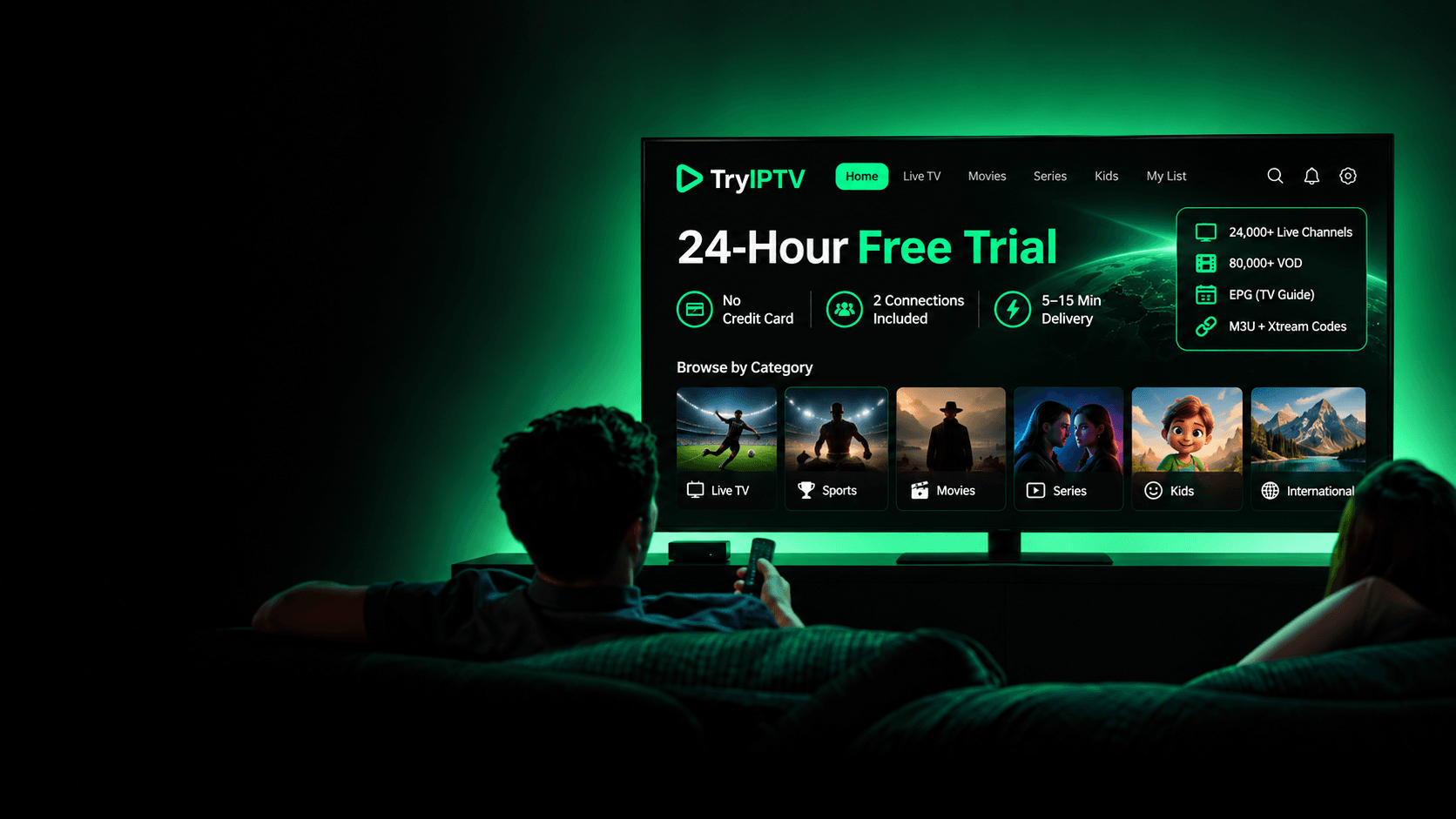
Quick Answer: TryIPTV lists a 24-hour IPTV free trial at $0 with no credit card required. Use it to check live TV, on-demand content, EPG access, and M3U or Xtream Codes setup on your own device. The stated credential delivery estimate is 5–15 minutes after trial confirmation.
Important: This is a temporary 24-hour trial of the TryIPTV subscription service, not a permanently free streaming service.
$0 trial offer • No credit card required • Estimated credential delivery: 5–15 minutes after confirmation
Key Free Trial Details
Trial Duration
The stated duration of the trial offer.
Zero Cost
The trial is listed as $0 with no credit card required.
Simultaneous Streams
Stream across two devices at the same time in your household.
Full Catalog Access
All 24,000+ live channels and 80,000+ VOD titles are fully unlocked.
Trial Inclusions
What the 24-Hour Free Trial Includes
Use the 24-hour trial to check the channels, on-demand titles, and playback quality that matter to you.
24,000+ Live Channels
Use the trial to check the live channels you want to watch on your own device.
80,000+ Movies & Series on Demand
The complete on-demand VOD library is fully unlocked during your 24 hours, exactly as paying subscribers see it.
HD & 4K Ultra HD Streaming Quality
Streams play at native broadcast resolution (HD, Full HD, and 4K where available) so you can evaluate picture clarity and stability.
Smart EPG TV Guide Included
Electronic Program Guide schedule listings are active so you can verify that channel timelines accurately match live broadcast schedules.
Xtream Codes API & M3U Link
Receive both connection formats: Xtream Codes login for supported IPTV player apps and an M3U playlist URL for players that accept M3U.
2 Streams & 24/7 Setup Assistance
Stream simultaneously on two devices with technical assistance available via WhatsApp and email whenever you need setup guidance.
Prerequisites
What You Need to Start Your Free Trial
Make sure you have these essentials ready before requesting your evaluation pass.
- Your streaming device: Such as Firestick, Android TV, Samsung TV, LG TV, Apple TV, Windows, or Mac.
- Your preferred IPTV player: If you already use an app such as TiviMate, IPTV Smarters Pro, or XCIPTV.
- A stable internet connection: Recommended 15–30+ Mbps for uninterrupted HD and 4K streaming.
- Trial request: The stated offer requires no credit card; the request button opens WhatsApp.
- Device identifier (only when needed): If a specific player or portal setup requires device details such as a MAC address, provide them only when needed.
5-Step Trial Process
How the IPTV Free Trial Works
Follow the trial workflow from request to evaluation and your decision about a paid plan.
Request Your Free Trial
Send a WhatsApp message with your preferred device type. The stated trial offer is $0 with no credit card required.
Estimated Credential Delivery
The stated estimate is 5–15 minutes after trial confirmation. Support provides Xtream Codes credentials (server URL, username, password) and an M3U playlist URL.
Add Credentials to Your Device / Player
Enter your login details into any compatible IPTV player on your TV, streaming stick, phone, or computer using our step-by-step setup guides.
Test Streaming & Features for 24 Hours
Watch live sports, test channel zapping speed, browse the EPG TV guide, and stream on-demand movies on your home network during peak hours.
Decide Whether to Subscribe
The trial is listed as a 24-hour offer. If satisfied, choose a prepaid plan on our pricing page.
Practical Evaluation Guide
How to Test Your IPTV Trial Properly
Evaluate TryIPTV under real-world viewing conditions to confirm stream stability, channel quality, and device compatibility before spending anything.
Test on Your Primary Television Screen
Evaluate TryIPTV on the actual TV or streaming device you plan to use everyday (such as a Firestick, Google TV, or Smart TV), not just on a mobile screen.
Stream During Peak Hours (7–11 PM)
Test live television during busy residential evening hours when ISP network congestion peaks to confirm stream smoothness and server stability.
Check Channel Switching & Zapping Speed
Zap through sports networks, news feeds, and international channels to evaluate how quickly streams buffer and lock on your player.
Test On-Demand VOD Playback
Play movies and multi-episode series in the VOD library to test fast-forwarding, resuming playback, and subtitle rendering.
Verify Audio & Video Synchronization
Check live sports commentary, high-framerate broadcasts, and news feeds to ensure audio and video remain in tight synchronization.
Verify the Electronic Program Guide (EPG)
Confirm that program timelines, current show descriptions, and channel listings load correctly in your IPTV player's EPG grid.
Check Internet & Wi-Fi Quality First
Confirm a stable 15–30+ Mbps download speed and use 5GHz Wi-Fi or Ethernet before assuming stream issues, as local packet loss causes buffering.
Device Compatibility
Compatible Devices & Player Applications
Browse our device and player setup guides, then use the trial to check your own configuration.
Amazon Fire TV & Fire Stick
Apps: TiviMate, IPTV Smarters Pro, Downloader
Android TV & Google TV
Apps: TiviMate, IPTV Smarters, XCIPTV
Apple TV, iPhone & iPad
Apps: Smarters Player Lite, GSE Smart IPTV
Samsung Smart TVs (Tizen)
Apps: IPTV Smarters Pro, IBO Player
LG Smart TVs (webOS)
Apps: IPTV Smarters, Smart IPTV
Windows PC & Laptops
Apps: IPTV Smarters Pro, VLC Media Player
Apple Mac (macOS)
Apps: VLC, IPTV Smarters Pro for Mac
MAG & Set-Top Boxes
Apps: Stalker Portal, Ministra
After the Trial
What Happens After Your 24-Hour Trial Ends?
The trial is listed as a 24-hour evaluation period. You can decide whether to buy a prepaid plan afterward.
1. Trial Window Ends
The stated trial duration is 24 hours. Contact support if you need to confirm when your access ends.
2. Subscribing Is 100% Optional
If the service earns your business, plans start at $16 for 1 month down to $7.50 per month equivalent on the 12-month plan. You decide if and when to purchase.
3. Keep Your Player Setup
When purchasing, contact our team and we can renew your existing trial line directly so you do not have to re-enter credentials across your devices.
Evaluation vs Subscription
Free Trial vs. Paid Subscription
Use the free trial to evaluate the service before deciding whether to choose a prepaid plan.
| Aspect | 24-Hour Free Trial | Paid Subscription |
|---|---|---|
| Primary Purpose | Evaluate streams & device compatibility | Continuous everyday television viewing |
| Upfront Cost | $0 (Free) | From $16/mo (or $7.50/mo eq on 12-mo) |
| Payment Required | $0 trial request via WhatsApp | One-time prepaid checkout (no auto-charges) |
| Duration | 24 Hours | 1, 3, 6, or 12 Months |
| Channels & VOD | 24,000+ Channels & 80,000+ VOD | 24,000+ Channels & 80,000+ VOD |
| Simultaneous Streams | 2 Connections | 2 Connections Included |
Questions & Answers
Frequently Asked Questions About the 24-Hour Free Trial
Direct answers to common questions about trial setup, credential delivery, compatibility, and expiration.
Is the TryIPTV trial really free?
The trial is listed at $0 for 24 hours, with no credit card required. Use it to check stream stability and channel selection before deciding whether to purchase a plan.
Do I need a credit card to start the trial?
The stated trial offer requires no credit card. Use the WhatsApp trial request button and include your device type; the button does not open a checkout.
How long does the IPTV free trial last?
The stated trial duration is 24 hours. Contact support if you need to confirm the start or end time for your access.
Which devices and player apps can I use during the trial?
Our setup guides cover Fire TV, Android TV, Apple TV, Windows, macOS, Samsung and LG Smart TVs, and other listed platforms. Check the guide for your device and test your chosen player during the trial.
Do I receive Xtream Codes or an M3U playlist URL?
You receive both. Your trial details include your Xtream Codes API login (Server URL, Username, and Password) for supported IPTV apps, as well as an M3U playlist URL and XMLTV EPG guide link for players that accept those formats, such as VLC.
How quickly are trial credentials sent?
The stated estimate is 5–15 minutes after trial confirmation. Actual delivery time may vary.
Does the free trial automatically become a paid subscription?
The trial request button opens WhatsApp, not a paid checkout. Paid plans are selected separately on the pricing page.
What should I test during my 24-hour trial?
We recommend testing on your main viewing screen during peak evening hours (7–11 PM). Check channel zapping speed on your must-have sports and local feeds, verify audio and video sync, test VOD playback, and ensure the EPG guide populates correctly.
What happens after the stated 24-hour trial period?
The stated trial duration is 24 hours. If you are satisfied, you can choose a prepaid plan on our pricing page. Contact support to confirm your access end time or next steps.
Have a question not listed here? Contact our 24/7 support team. Available via WhatsApp and email.
Test Before You Buy
Start Your 24-Hour IPTV Free Trial Today
Use the 24-hour trial to check live channels, sports, and on-demand viewing on your own TV before choosing a paid plan.